
Why Portrait Photography Matters
Portraits are more than faces on a frame — they’re stories in a single moment. A great portrait communicates who someone is, not just what they look like. Whether you’re photographing a toddler or a CEO, your job is to create connection: through light, composition, expression, and context. That emotional thread is what turns an image from a snapshot into a memorable portrait.
Essential Gear for Portraits
You don’t need the most expensive camera to make beautiful portraits — but knowing your tools helps.
Camera Bodies: Full-frame vs APS-C
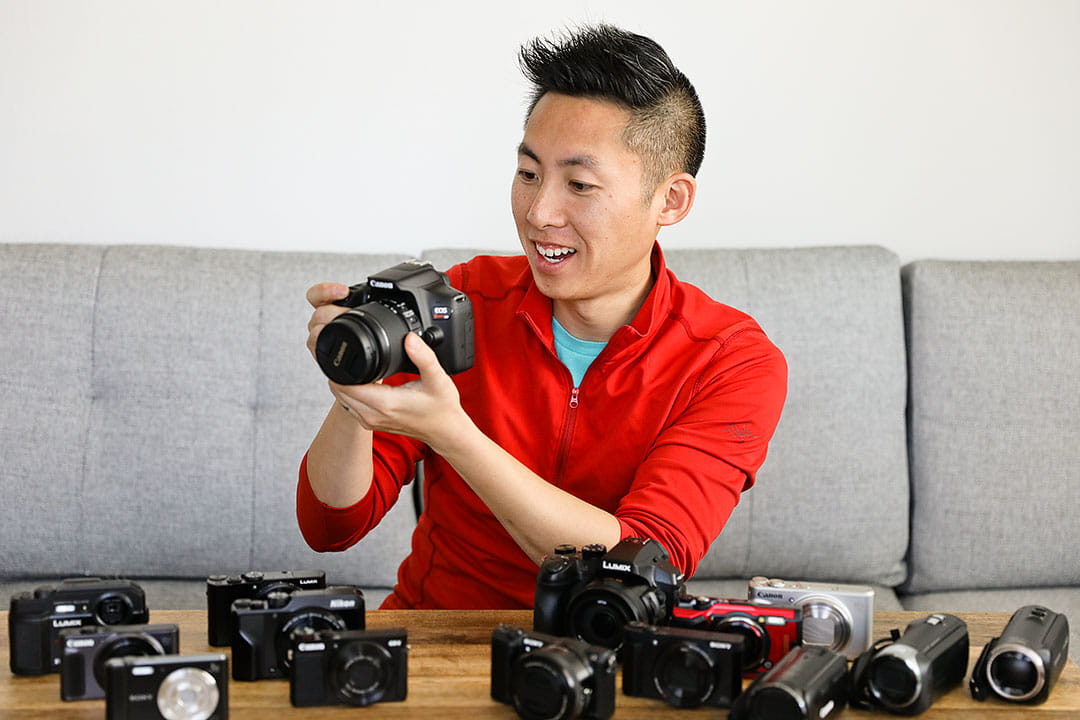
Full-frame sensors often give richer tones and shallower depth of field, making backgrounds melt nicely. APS-C bodies are lighter, more budget-friendly, and still perfectly capable. Choose what fits your budget and workflow.
Best Lenses for Portraits
A lens shapes your look. For classic portraits, an 85mm on full-frame (or ~50–60mm on crop) offers flattering compression and creamy bokeh. A 50mm is versatile and natural-looking. A 35mm is great for environmental portraits where context matters. Want headshots? Try 85mm–105mm to avoid distortion.
Accessories: Tripods, Reflectors & More
Reflectors, collapsible diffusers, a basic off-camera flash, and extra batteries are the unsung heroes. A small reflector can turn harsh shadows into soft, flattering light in seconds.
Camera Settings & Exposure
Understanding exposure is your foundation. Let the light and your creative intent guide the numbers.
Aperture & Depth of Field
Use a wide aperture (f/1.8–f/2.8) for soft backgrounds and subject separation, but be careful: at f/1.4 the plane of focus is paper-thin. For full-body portraits, stop down to f/4–f/8 to keep the whole subject sharp.
Shutter Speed & Motion
Keep shutter speed at least 1/125s for posed portraits to avoid motion blur; faster if your subject moves. If you’re intentionally showing motion, experiment with slower speeds and a moving subject.
ISO & Noise Management
Raise ISO only when needed. Modern sensors handle ISO 1600–3200 well, but always test your camera so you know when noise becomes unacceptable for your style.
Lighting: Natural and Artificial
Lighting is the language of portraiture. The same face can tell different stories under different light.
Using Window & Golden Hour Light
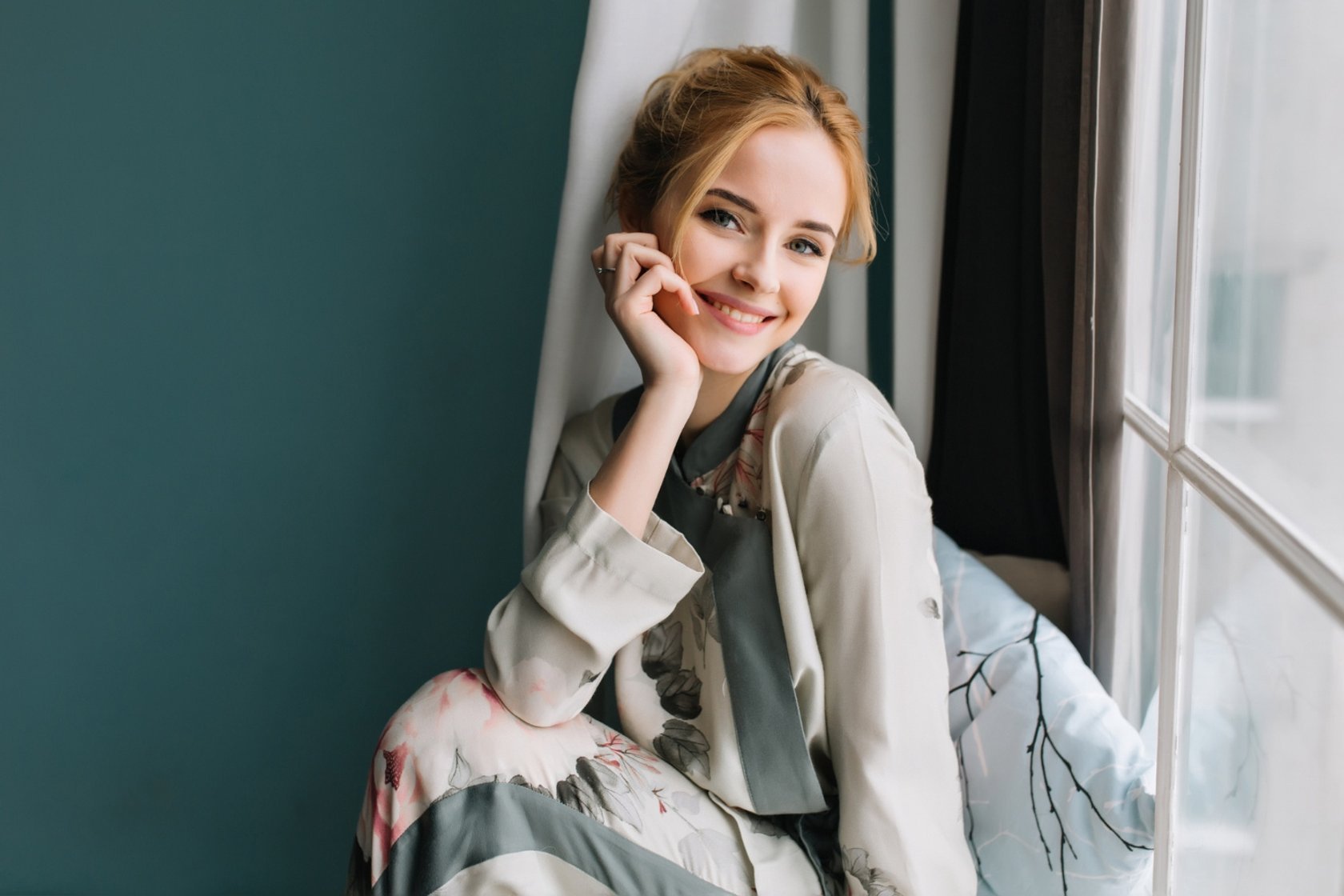
Window light is flattering and soft: place the subject near a large window and use a reflector to fill shadows. Golden hour (the hour after sunrise or before sunset) gives warm directional light that flatters skin tones and creates depth.
Off-Camera Flash & Modifiers
Flash isn’t cheating — it’s a tool. Use softboxes, umbrellas, or speedlight diffusers to soften the light. Try backlight + fill flash to separate your subject from the background while keeping natural ambience.
Reflectors, Diffusers & Fill Light
A small silver or white reflector can brighten eyes and reduce under-chin shadows. A diffuser (even a scrim) softens harsh sunlight. These inexpensive tools dramatically elevate your portraits.
Composition & Framing
Composition is how you lead the viewer’s eye.
Rule of Thirds, Headroom & Negative Space
Place the eyes along the top third line for a pleasing composition. Give the subject breathing room — avoid chopping off at awkward joints. Negative space can emphasize mood or draw attention to the subject’s expression.
Leading Lines, Patterns & Symmetry
Use lines from architecture or nature to guide the eye to your subject. Symmetry is powerful for formal portraits; break the symmetry for a sense of tension or story.
Posing & Directing Subjects
Posing isn’t about stiffness — it’s about comfort and authenticity.
Hands, Chin & Shoulder Placement
Hands matter. Keep them relaxed — use props, place them on a hip, or near the face for interest. Slightly tilt the chin down for slimming; tilt up for a confident, open look. Shoulders angled away from the camera make most people look slimmer and more dynamic.
Expression & Eye Direction
Encourage small movements — a laugh, a blink, a furrow of the brow. Ask questions, play music, or tell a quick story to evoke natural expressions. Where the eyes look matters: direct gaze connects; looking off-camera creates intrigue.
Backgrounds, Location & Props
The background should support, not fight, the subject. Look for clean textures, soft patterns, or blurred color blocks. If the background distracts, move your subject forward or pick a different angle. Props can tell story: a guitar, a mug, or a chair can add personality.
Color, Wardrobe & Styling
Color communicates mood. Earth tones feel organic; jewel tones feel bold. Avoid busy patterns and logos that steal focus. Encourage solid or subtly textured clothing, and coordinate palettes between subject and background for harmony.
Shooting Techniques & Focus
Technical precision makes your creative choices sing.
Focusing on the Eyes & Creating Catchlights
Always aim to focus on the nearest eye. Catchlights — tiny reflections in the eyes — make portraits look alive. Use a reflector or position light to generate them intentionally.
Post-Processing Best Practices
Editing should amplify the image, not mask it.
Skin Retouching — Keep It Real
Less is more. Start with basic exposure and contrast, then use localized edits for skin: frequency separation for texture preservation, dodge and burn to sculpt, and spot healing for blemishes. Aim for a natural finish.
Color Grading & Final Polish
Adjust color balance to flatter skin tones. Slight clarity and sharpening on the eyes and lips draws attention. Export multiple sizes for web and prints; keep a non-destructive workflow by saving edits as separate versions.
Advanced Portrait Types
Environmental Portraits
Place subjects in meaningful locations — their studio, workplace, or a favorite street — to tell a broader story.
Candid & Lifestyle Portraits
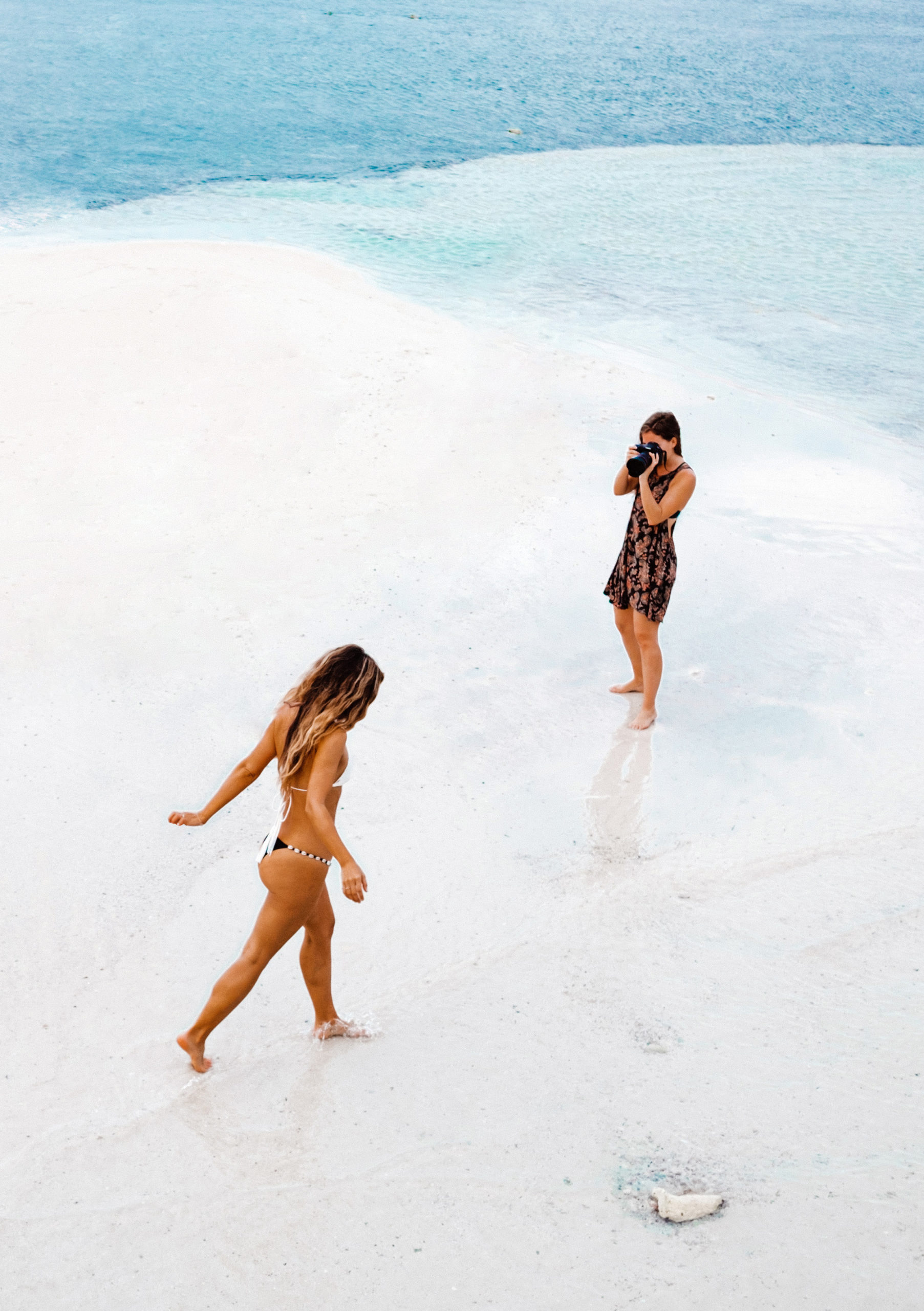
Candid shots often reveal authentic moments. Be patient, listen, and shoot with a slightly longer lens so your subject forgets the camera.
Common Mistakes & How to Fix Them
- Soft focus: Use single-point AF and ensure focus is on the near eye.
- Harsh shadows: Add a reflector or diffuser.
- Distracting background: Change angle or use wider aperture to blur.
- Stiff poses: Give direction, ask for motion, and make the subject laugh.
Practice, Critique & Building a Portfolio
The fastest way to improve is deliberate practice: one technique per session, shoot a mini-project, and then critique. Share your work in a portfolio with strong sequencing: lead with your best image, then show variety. Use SEO-friendly captions and filenames (e.g., “portrait-photography-85mm-outdoor.jpg”) and tag images with alt-text that includes the keyword Portrait Photography.
Conclusion
Portrait photography is a beautiful blend of technical skill and human connection. Master the light, know your lens, practice posing, and learn subtle editing — but most importantly, practice empathy. The better you listen and make people feel at ease, the better your portraits will become. Treat every shoot like a conversation, and your images will start to speak.
FAQs
Q1: What’s the single most important tip for better portraits?
A: Focus on the eyes and create catchlights — they instantly add life and connection to the image.
Q2: Which lens gives the most flattering portraits?
A: An 85mm (full-frame equivalent) is classic for flattering headshots; 50mm is versatile and great for tighter budgets; 35mm works when you want environment included.
Q3: Should I use natural light or flash for portraits?
A: Both — natural light is soft and accessible; flash adds control and separation. Learn both and pick based on the mood you want.
Q4: How do I retouch skin without making it look fake?
A: Use subtle local edits: remove blemishes, even skin tone lightly, and preserve texture. Avoid over-smoothing or plastic-looking results.
Q5: How can I make my subjects look more relaxed?
A: Talk to them, give simple, positive directions, use prompts that evoke emotion, and keep the session moving with short bursts of poses to avoid stiffness.