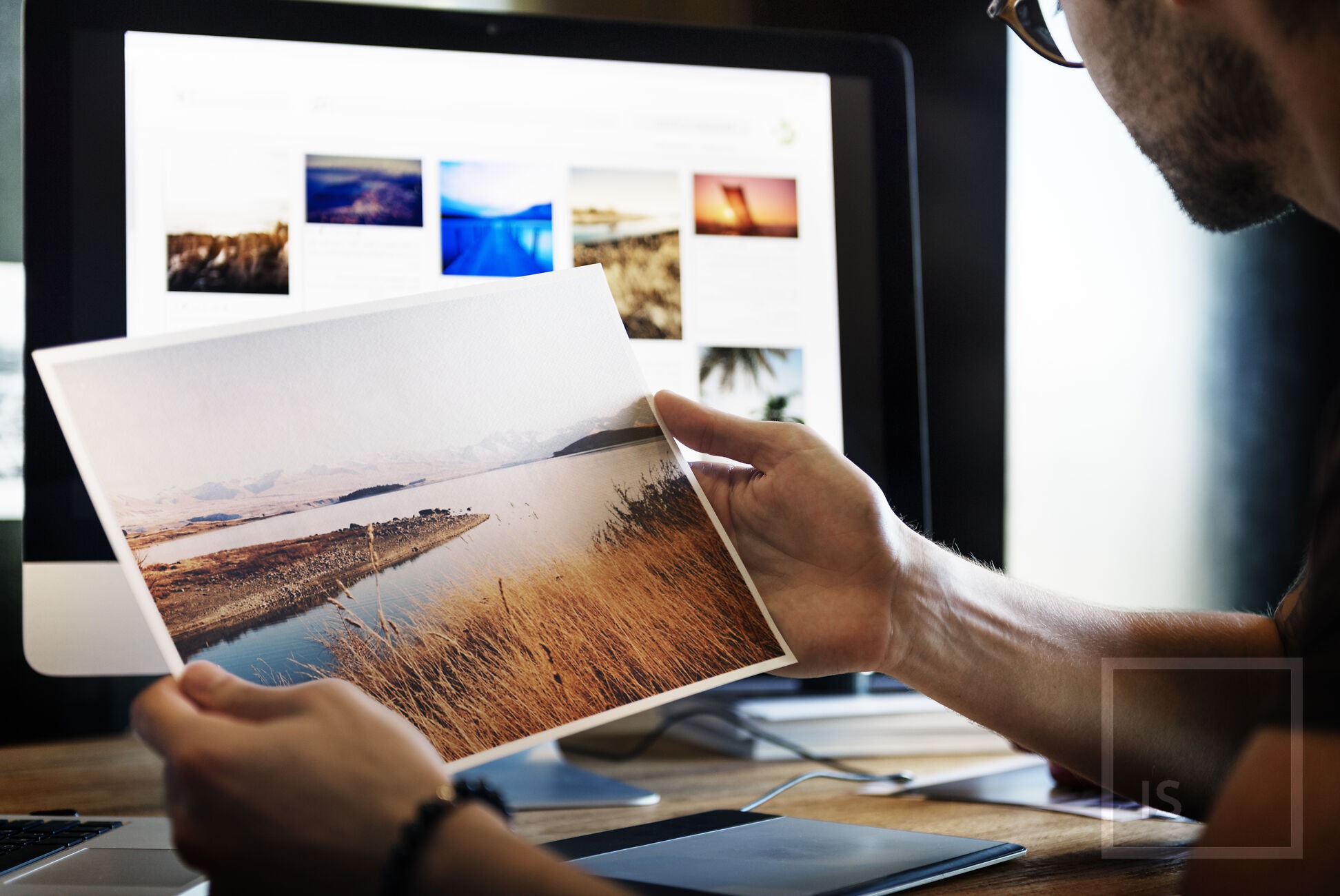

If you’re serious about photography, here’s a simple truth: nothing beats holding your photo in your hands. Digital images are great, but printing your work changes everything. In this photography tip 51, we’ll dive deep into why printing your photos can elevate your skills, your confidence, and your passion.
Why Printing Your Photos Matters
Screens are convenient, but they can hide flaws and distort colors. Printing your photos allows you to experience them fully, in real size and real detail. Plus, it’s a satisfying feeling to see your work in a physical format—like seeing your ideas step off the page.
The Emotional Impact of Physical Prints
There’s something magical about a print. It’s tactile, permanent, and personal. Seeing your photo on a wall, a frame, or even in a book can trigger emotions that a digital screen simply cannot. It’s the difference between reading a story online and holding a printed novel.
Seeing Details You Miss on Screen
You might think your editing is perfect, but small errors—like dust, slight blur, or misaligned horizons—become obvious in print. Printing forces you to see your work differently and helps you improve.
Choosing the Right Prints
Not all prints are created equal. Picking the right paper type, size, and finish can make a huge difference. A high-quality print elevates even a simple photo, while poor choices can drag down your work.
Paper Types: Matte vs Glossy
Glossy papers make colors pop and highlight contrast, perfect for vibrant landscapes. Matte papers offer elegance, reduce glare, and are ideal for black-and-white or fine art photography. Knowing the difference lets you match paper to image style.
Print Sizes: Small, Medium, or Large?
Size matters. Small prints work for portfolios or gifts, medium prints are perfect for walls, and large prints can transform a room. Decide what you want your print to achieve before you hit “print.”
Creating a Balanced Photo Wall
Mix sizes and styles for a visually interesting display. Think like a curator: group similar themes, balance colors, and leave some breathing room. Your wall becomes a living portfolio and a conversation starter.
Printing Workflow Tips
The right workflow ensures your prints look exactly like you imagined. Skipping steps or ignoring settings can turn your masterpiece into disappointment.
Color Calibration for Accurate Prints
A monitor can lie. Calibrating your screen ensures what you see digitally matches what prints on paper. Tools like colorimeters make this process easy and precise.
File Formats and Resolution for Printing
Always print in high resolution—300 dpi is ideal. Use TIFF or high-quality JPEG files. Avoid low-res images; they look soft and pixelated in print.
Benefits for Your Growth as a Photographer
Printing isn’t just about aesthetics. It’s about growth. By reviewing prints, you learn composition, color theory, and editing skills faster than staring at a screen.
Learning from Your Mistakes
Prints reveal mistakes you might overlook digitally. Blurry areas, poor exposure, and composition errors become obvious, giving you instant feedback.
Building Confidence and Motivation
Every print is proof of your progress. It’s tangible evidence of your creativity, encouraging you to keep shooting and improving.
Sharing Your Prints
Photography is meant to be shared. Prints open opportunities for meaningful interactions, whether as gifts or exhibits.
Gifting Prints to Friends and Family
A personalized print is a thoughtful, memorable gift. It shows care and effort, and people love having a physical piece of your creativity.
Exhibiting Your Work Locally
Local cafes, galleries, and community centers often welcome photo exhibits. Prints help you get noticed, network, and even sell your work.
Common Printing Mistakes to Avoid
Avoid disappointment by learning what pitfalls to steer clear of. Knowledge saves time, money, and frustration.
Ignoring Color Profiles
Not using proper color profiles can result in prints with wrong tones or faded colors. Always match your image profile to the printer.
Printing Without Editing
Raw images can surprise you, but editing ensures your vision translates perfectly to paper. Don’t skip this essential step.
Affordable Printing Options
Printing doesn’t have to break the bank. There are multiple cost-effective solutions for photographers of all levels.
Home Printers vs Professional Labs
Home printers offer convenience but can be limited in color and size. Professional labs provide higher quality, archival prints, and larger formats.
Online Printing Services
Services like Shutterfly, Mpix, or local NZ online labs deliver excellent results at a fraction of the cost, often with easy delivery.
Conclusion
Printing your photos often transforms your photography journey. You’ll see mistakes, celebrate victories, and share your art in a way screens never allow. Make photography tip 51 a habit, and watch your skills—and confidence—soar.
FAQs
Q1: How often should I print my photos?
A: Ideally after every editing session or once a month for your best shots.
Q2: Is it expensive to print regularly?
A: Not necessarily. Start small or use affordable online labs.
Q3: What’s the best paper type for portraits?
A: Matte or semi-glossy papers usually highlight skin tones beautifully.
Q4: Can I print large images at home?
A: Large prints often require professional labs for the best quality.
Q5: Will printing improve my photography?
A: Absolutely. Physical prints reveal details and mistakes you miss on screen, helping you improve faster.
Discover expert photography tips, guides, and tutorials at cameratale.com to elevate your skills. Explore inspiring galleries and print ideas for photographers of all levels.
More Tips: See Tip #50 | See Tip #52