
Introduction to Photography Tip 43
Ever feel like your camera is making decisions for you that you didn’t agree to? Welcome to photography tip 43 — Try Shooting with Manual ISO. This small shift in your workflow gives you tighter control over exposure, consistency, and image quality, especially when lighting changes faster than you can say “cheese.”
Understanding ISO in Photography
What Does ISO Mean?
ISO represents your camera sensor’s sensitivity to light. Picture it like putting sunglasses on your camera: a low ISO acts like darker shades (less sensitivity), and a high ISO is like no shades at all (more sensitivity). The trick is choosing the right level of “sunglasses” for the scene.
How ISO Affects Exposure
Boosting ISO brightens your image, which is great for dim scenes, but it can also introduce digital noise (that grainy texture). Keeping ISO low yields cleaner files, but you’ll need a slower shutter speed or a wider aperture to compensate.
The Relationship Between ISO, Shutter Speed, and Aperture
ISO, shutter speed, and aperture form the famous exposure triangle. Change one side of the triangle and the others must respond. If you raise ISO, you can increase shutter speed to freeze motion or stop down the aperture to expand depth of field—without making the image too dark.
Automatic ISO vs. Manual ISO
Pros and Cons of Automatic ISO
Auto ISO is convenient. Your camera measures the light and picks a sensitivity for you. But auto often plays it safe, selecting a higher ISO than necessary, which can mean more noise and inconsistent results from shot to shot.
Why Manual ISO Gives You More Control
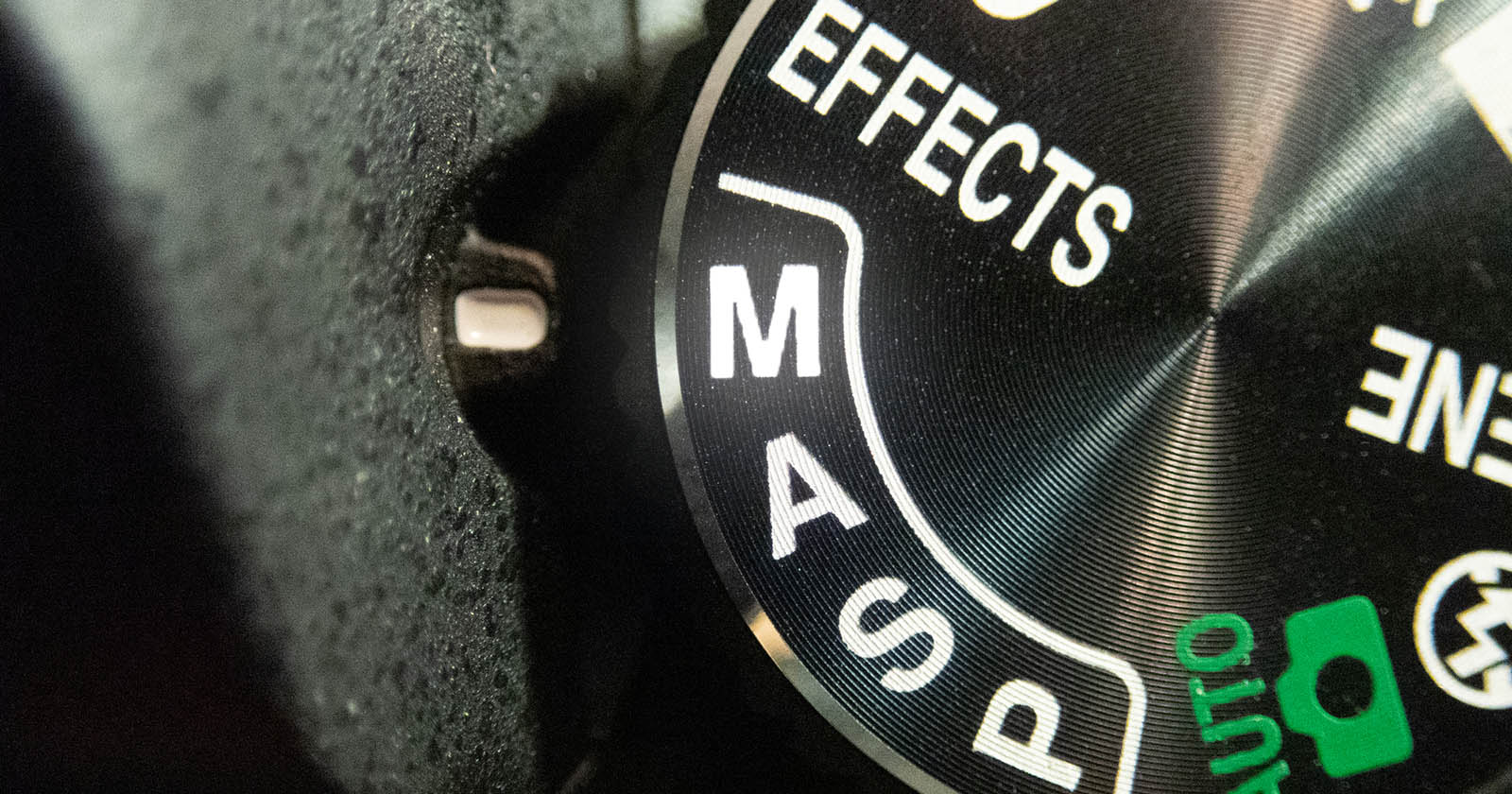
Switching to manual ISO puts you in the driver’s seat. You decide how much noise is acceptable and when to trade sensitivity for shutter speed or depth of field. It’s like choosing a manual transmission—more effort, sure, but far more control on the curves.
Benefits of Shooting with Manual ISO
Consistent Image Quality
When ISO is locked, your images won’t jump around in brightness or texture as the scene changes. That consistency makes post-processing faster and your photo series more cohesive.
Creative Control Over Noise and Grain
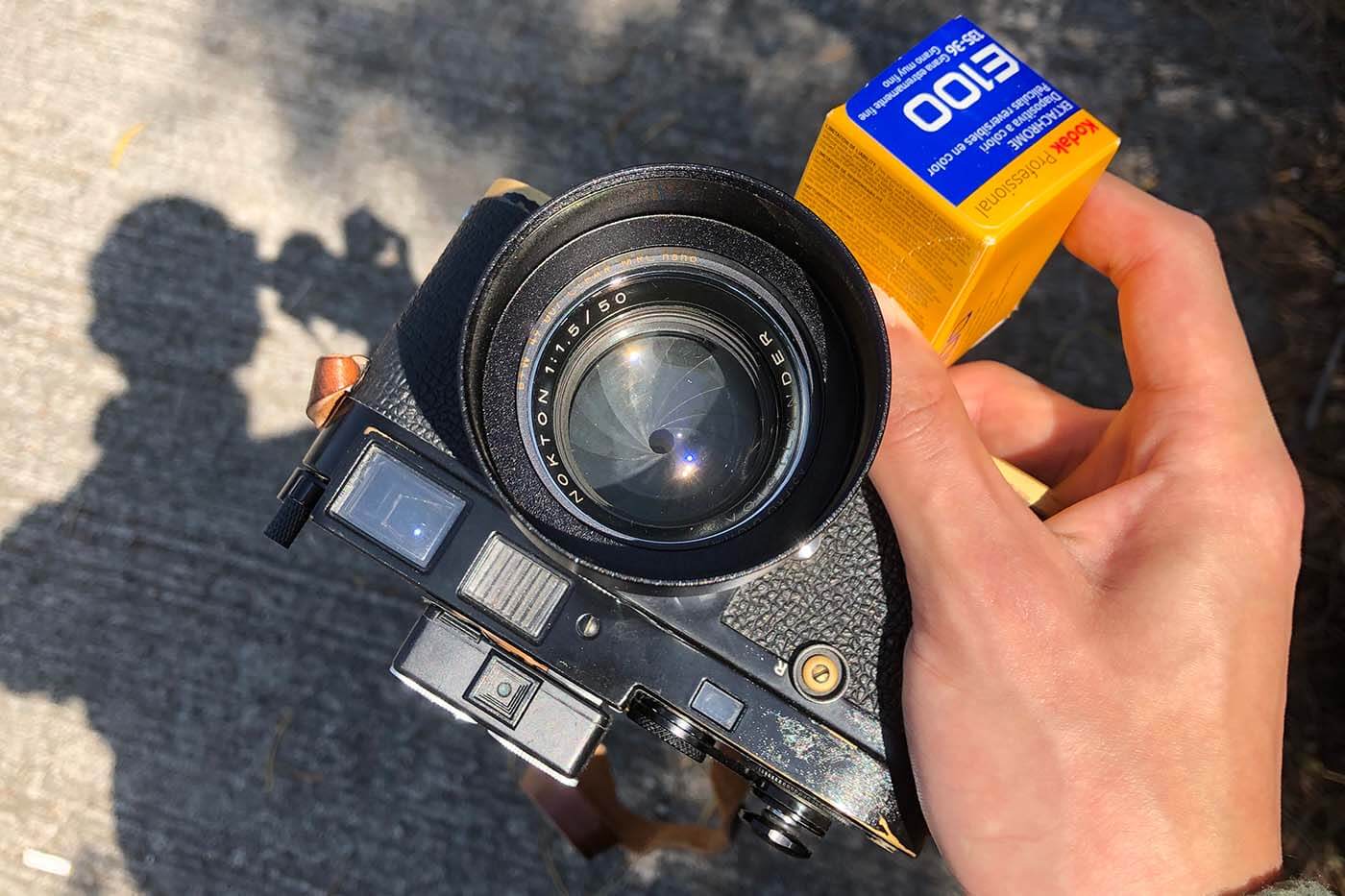
A touch of grain can add mood, grit, or a film-like feel. With manual ISO, you choose the look on purpose—not because your camera panicked in low light.
Mastering Lighting Conditions
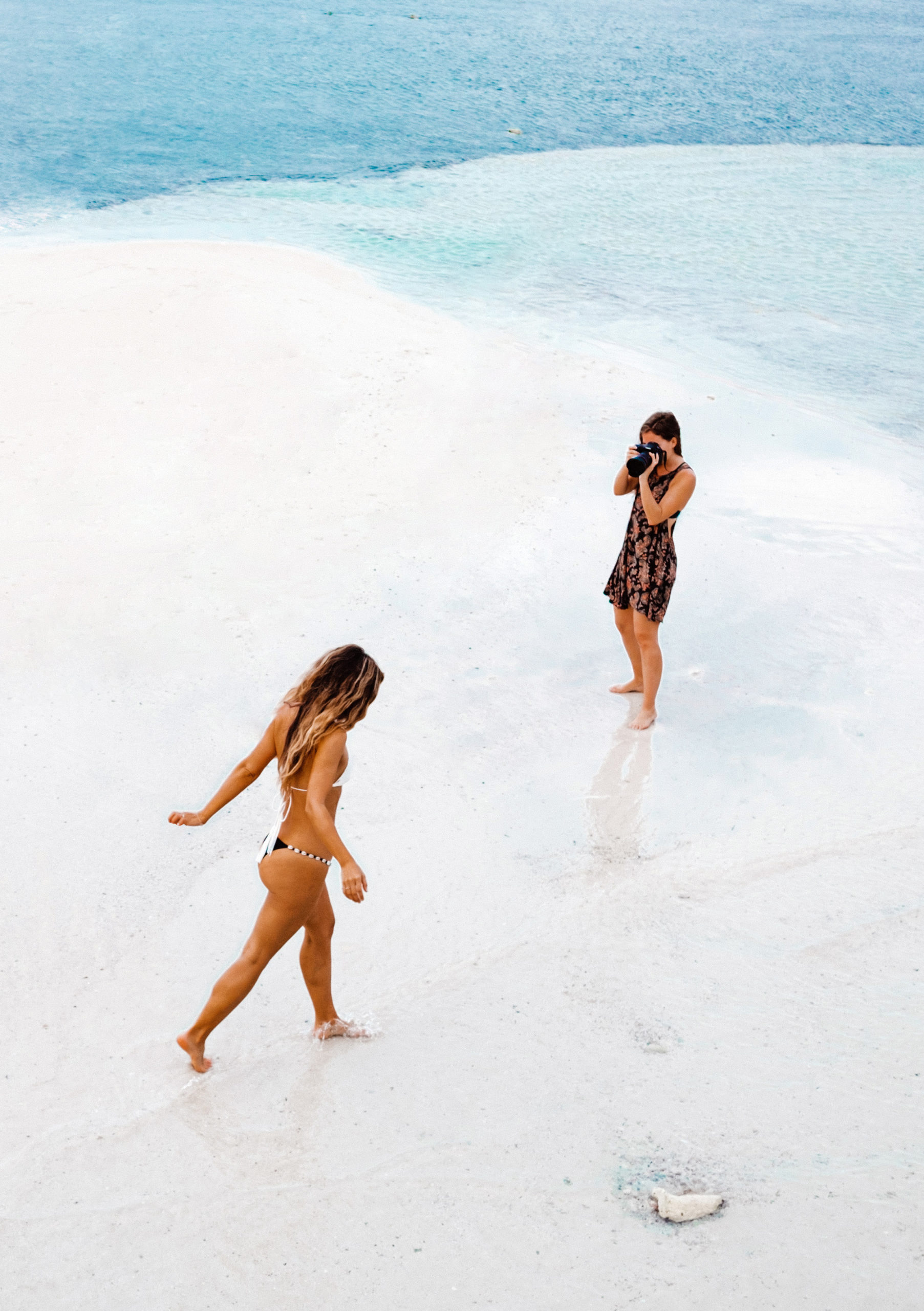
From sun-drenched beaches to dim cafés, manual ISO helps you respond to light intelligently, balancing sharpness, motion, and cleanliness in every frame.
When to Use Manual ISO
Low-Light Photography
At night or indoors, you’ll often raise ISO to keep shutter speeds hand-holdable. Start low and bump up only as needed to avoid blur—your future self will thank you during editing.
Bright Daylight Scenes
In strong daylight, set a low ISO (like 100) for the cleanest files and maximum dynamic range. Your images will look crisp, detailed, and ready for large prints.
Indoor Events and Concerts
Stage lighting is unpredictable. Manual ISO lets you keep exposure consistent as the lights change, while you adjust shutter speed and aperture for creative effects.
How to Adjust Manual ISO Effectively
Understanding Your Camera’s ISO Range
Every camera has a sweet spot—an ISO range where files look clean and detailed. Learn yours. Many modern bodies handle ISO 1600–3200 surprisingly well, while some shine even higher.
Testing Different ISO Settings
Do a quick test: shoot the same scene at ISO 100, 400, 800, 1600, 3200 (and beyond). Compare noise, color, and detail at 100% view. That five-minute experiment pays off more than any spec sheet.
Balancing ISO with Aperture and Shutter Speed
Need to freeze action? Increase shutter speed and nudge ISO up. Need more depth of field? Stop down the aperture and raise ISO as needed. Want buttery motion blur? Drop ISO to allow a longer exposure without overexposing.
Common Mistakes to Avoid When Using Manual ISO
Setting ISO Too High
High ISO can save a shot, but it can also drown it in noise. Push only as far as necessary, and use proper exposure to avoid lifting shadows excessively in post.
Forgetting to Change ISO in Different Lighting
Walk from bright sun into a dim room and your settings must change. Make a habit of glancing at ISO every time you change locations—like checking mirrors while driving.
Ignoring the Impact on Image Noise
Noise likes to hide until you zoom in. Review critical shots at playback, zoom to check texture, and adjust ISO for the next frame if needed.
Practical Tips for Mastering Manual ISO
Keep a Mental ISO Chart
Memorize quick baselines: Daylight ISO 100–200; Shade ISO 400; Indoors (window light) ISO 800–1600; Night street ISO 1600–6400.
Practice in Different Environments
Schedule short drills: five minutes in the kitchen, five on the balcony at dusk, five on a night walk. The repetition builds instinct faster than any tutorial.
Review Your Images and Learn from Mistakes
After a session, flag shots you love and those you missed. Note the ISO you used and why. Turn those notes into your personal playbook.
Recommended Gear for Better Manual ISO Results
Cameras with Excellent High-ISO Performance
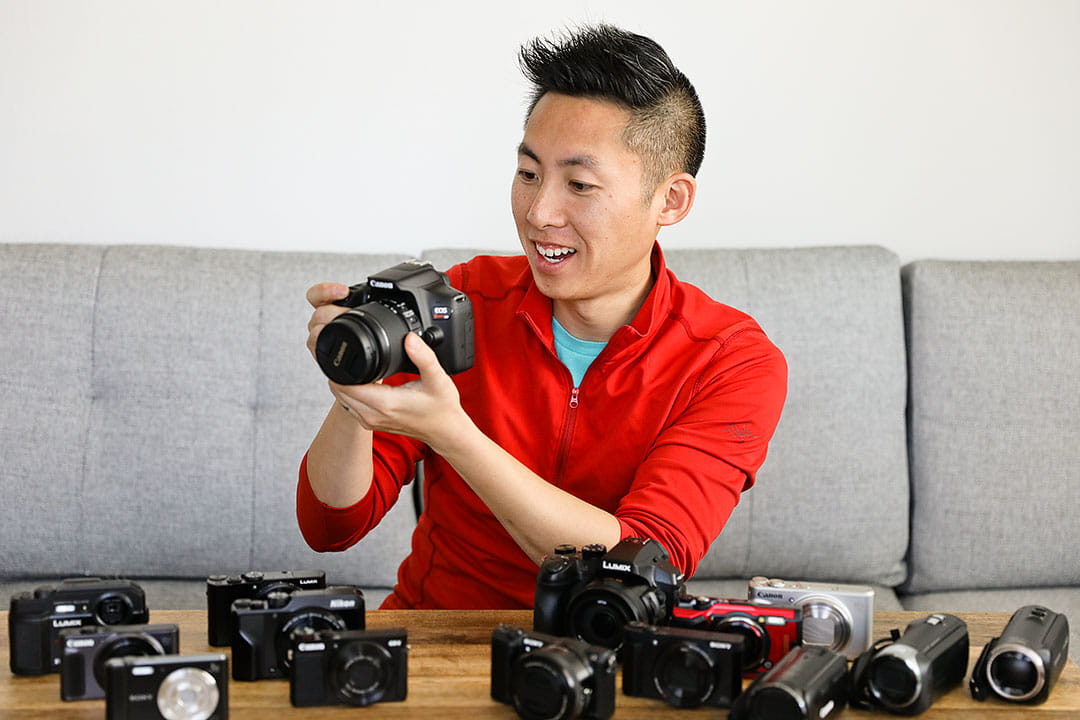
Full-frame cameras generally produce cleaner files at high ISO thanks to larger sensors. Newer APS-C and Micro Four Thirds bodies have also made big strides—don’t underestimate them.
Lenses with Wide Apertures
Fast primes (f/1.4–f/1.8) and constant-aperture zooms (f/2.8) let in more light, so you can keep ISO down without sacrificing shutter speed or depth of field.
Real-Life Examples of Manual ISO in Action
Night Street Photography
Set ISO just high enough to freeze people at your chosen shutter speed—say 1/160–1/250—while preserving shadow detail. Adjust as you move under neon, street lamps, and storefronts.
Fast Sports Photography
Lock ISO to a value that supports 1/1000 or faster, then track action confidently without the camera sneaking in a higher ISO and adding noise mid-burst.
Creative Motion Blur Shots
Drop ISO to 100, set a small aperture, and use slower shutter speeds for silky water, light trails, or dreamy panning. Manual ISO is your anchor while the rest moves.
Conclusion
Switching to manual ISO is a simple habit with outsized rewards. You’ll gain consistency, creative control, and a deeper understanding of how light shapes your photos. Whether you’re chasing golden hour or prowling night streets, photography tip 43—try shooting with manual ISO—will help you make deliberate, reliable choices frame after frame.
FAQs
1) What’s the best ISO for low light?
It depends on your camera, but a common starting point is ISO 800–1600. Raise only as needed to keep shutter speeds fast enough to avoid blur.
2) Does higher ISO always mean more noise?
Generally yes, but modern sensors and noise reduction handle higher ISO far better than older cameras. Expose properly to minimize noise artifacts.
3) Should beginners use manual ISO?
Absolutely. It’s the fastest way to understand exposure and to keep results consistent across changing scenes.
4) What’s the lowest ISO setting?
Most cameras start at ISO 100; some offer ISO 50 (often a “pull” setting). Use the lowest native ISO for the cleanest images in bright light.
5) Can I fix high ISO noise in editing?
Noise reduction helps, but it can soften detail. Aim to get exposure right in-camera, and use gentle noise reduction as a finishing touch.
CameraTale.com – Quick Recommendation
Explore more practical photography guides, gear reviews, and shooting tricks at CameraTale.com.
Your journey to sharper, more creative images starts here with curated Photography Tips and real-world tutorials.