Color Palette Extractor
Great photos are colour stories. Drop any photo and this tool reads its five dominant colours — with the share each one holds and hex codes you can copy straight into your editor. It starts with our sample photo so you can see it working.
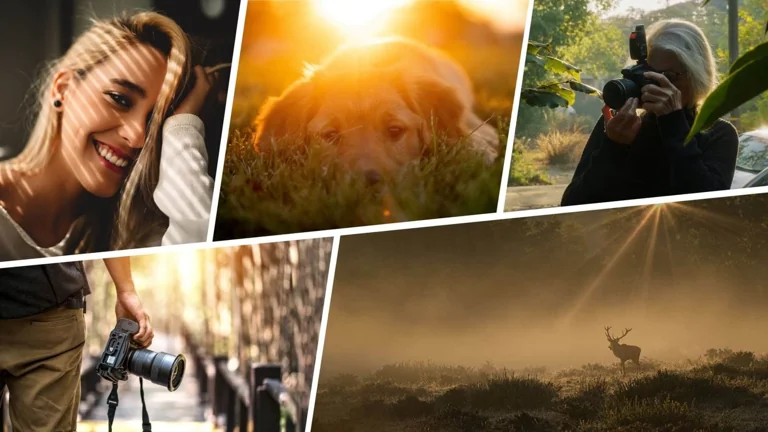
Click or drop your own photo to extract its palette — the sample above is preloaded.
Why photographers study palettes
When a photo “just works”, colour harmony is usually doing quiet heavy lifting: a dominant tone, a supporting tone, and one accent that appears exactly once. Pulling the palette out of a frame turns that instinct into something you can check, repeat and teach. Editors use the same trick in reverse — grade a series until the palettes of its frames agree, and the set suddenly feels like one story. It is a particularly honest mirror for fine-art work, where colour is often the subject itself.
Ways to use your palette
Paste the hex codes into Lightroom or Photoshop as your grading targets; build a moodboard for a shoot before you style it; match a website or album design to the photographs it will hold (this page's own sample palette is a good test); or download the palette card and keep it with the project files so a series stays consistent months later. If you are chasing a look, run the extractor on frames you admire and compare — the gap between their palettes and yours is a concrete editing brief. And when the shoot is about light before colour, start with using natural light in photography, then let the palette analysis grade your homework.
Frequently asked questions
How are the five colours chosen?
The tool samples the photo, groups near-identical colours, and reports the five groups with the largest presence — discarding near-duplicates so you get the story of the image, not five shades of the same sky.
Can I get more than five colours?
Five is the honest number for most photographs; beyond it, palettes stop describing and start listing. For busy scenes, crop the photo to the area you care about and run it again.
Is my photo uploaded?
No — the analysis runs on your device in a few milliseconds, like every Camera Tale tool. When you are done, shrink the results of the shoot with the Image Compressor before sharing them.